I exported the plan view of landscape pavilion from rhino and carried out the environment design in procreate. I wanted to reflect the ups and downs of the surrounding environment in the design, so I used contour line and color to design the level. The darker the color, the higher it was. At the same time, plants are added to the landscape pavilion to make it more relaxed. One side of the landscape pavilion is a glass curtain wall. I choose to point the glass curtain wall at the coastline, and try to avoid the appearance of tall trees between the glass and the coastline, so as to ensure the role of the building in view.

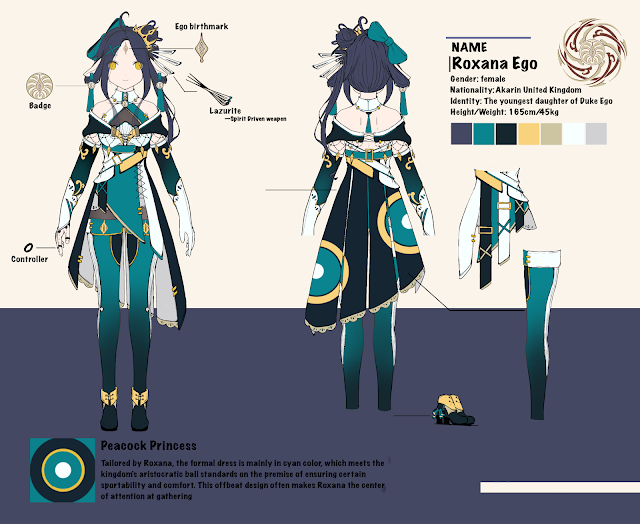


Good job but notes can be added to really be able to use as an SI piece by itself. This will help your workload lessen because you won't need as many finished pieces. But only if you are really clear about your idea, medium, and exactly what you are trying to do.
ReplyDeleteYour comment that it is "you can go back and screenshot" is true but it will be a lot easier to do now, and solidify in your mind, what you want your view to feel. Here, we need art-speak.
Next time add your MPI, even with the process shot, on the actual art.
Either use Markup on your phone with text with words describing your intent.
Maybe refer to your inspiration artist, color choices for the palette, intention (what is it you want the viewer to feel: fascination with the details of the character's attributes? etc.
Good job :) I look forward to seeing the finished piece!